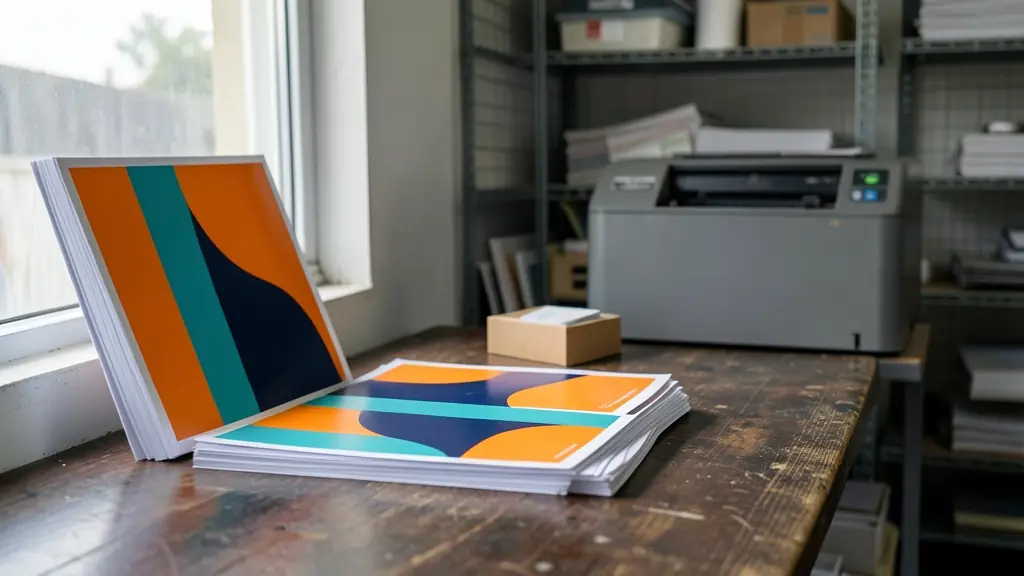
Screens make colour with red, green and blue light (RGB, written as HEX on the web). Printers make it with cyan, magenta, yellow and black ink (CMYK) on paper. Not every bright screen colour can be printed, so it helps to see the CMYK values, and how much ink they add up to, before you print.
RGB, HEX and CMYK
RGB values run from 0 to 255 for each of red, green and blue light. HEX is the same three numbers written in base 16, so pure magenta is 255, 0, 255 or #FF00FF. CMYK gives the percentage of each ink: 0% is bare paper and 100% a solid. Screens can show brighter, more saturated colours than ink can print, especially vivid greens, blues and oranges, so those colours look duller in print. Design for print in CMYK, or let your printer convert your files with their profile and send you a proof.
Total ink and rich black
Total ink (or total area coverage) is the four CMYK percentages added up. Too much ink takes long to dry, sets off on the next sheet and cracks when folded. Many printers ask for a limit of about 300% on coated paper and lower on uncoated paper and newsprint; ask yours for their limit.
| Black | C / M / Y / K | Use |
|---|---|---|
| Plain black | 0 / 0 / 0 / 100 | Body text, thin lines, small type. Never use a rich black for small text. |
| Rich black (cool) | 60 / 40 / 40 / 100 | Large black areas and backgrounds on coated paper, 240% total |
| Rich black (neutral) | 50 / 40 / 40 / 100 | Large solids where the printer asks for a neutral black, 230% total |
| Registration black | 100 / 100 / 100 / 100 | Only for crop marks. 400% ink: never use it in artwork |
Large areas of plain 100% K print as a dark grey, so printers add other inks underneath for a deeper rich black. Keep small text in plain black, because four inks never line up perfectly and small type would look blurred.
Brand colours and spot colours
For a logo that must match every time, a spot colour (one premixed ink chosen from a printed swatch book) is the most consistent, especially in litho, screen printing and on promotional items. Digital presses mix spot colours from CMYK, so ask for a printed proof of your brand colours on the stock you will use. Give your designer or printer the spot colour reference, the CMYK values and the RGB and HEX values, so print, signage and screens all match as closely as they can.
See printing services, screen printing or signage for jobs where colour matters most.
Frequently asked questions
How do I convert RGB to CMYK?
Why do my colours look different in print?
What is rich black?
What is the maximum ink coverage for print?
More print tools
- Paper sizes chartA0 to A10, B, SRA and envelope sizes in mm, cm, inches and pixels, with a size converter
- Business card sizeThe South African 90 x 50 mm card with bleed, safe zone and pixel sizes for your design file
- Banner size calculatorPull-up and PVC banner sizes, square metres, eyelets, file pixels and a cost estimate at your rate
- Image resolution (DPI) calculatorHow big a photo can print sharply, and how many pixels a print needs at its viewing distance
- Sheets and imposition calculatorHow many cards, flyers or labels fit on an SRA3 or A3 sheet, and how many sheets a run needs
- Paper weight (GSM) and spine calculatorWhat a gsm means, the weight of a ream or a print job, and the spine width of a booklet or book
- Ink and toner cost per pageCompare two cartridges by real cost per page, at your coverage and pages per month